Screen Alignment
Position your monitor so the top edge sits at eye level, reducing forward head tilt and neck tension during long sessions.
Bonesflexflex delivers practical guides to proper computer posture, helping Australians build healthier desk habits without complexity.
Hours at a screen strain your neck, shoulders, and lower back. Small adjustments in how you sit, type, and view your monitor can prevent discomfort and sustain focus throughout the day.
Position your monitor so the top edge sits at eye level, reducing forward head tilt and neck tension during long sessions.
Adjust seat height so feet rest flat on the floor, with knees at roughly ninety degrees for balanced spinal support.
Keep wrists neutral and elbows close to your body to minimise strain on forearms and shoulders while typing.
We break down ergonomic principles into clear, actionable steps. Whether you work from a home office or a corporate desk in Melbourne, our guides adapt to your setup and daily routine.
Each recommendation is grounded in research-informed ergonomic workspace design, presented in plain language so you can implement changes immediately without specialist equipment.
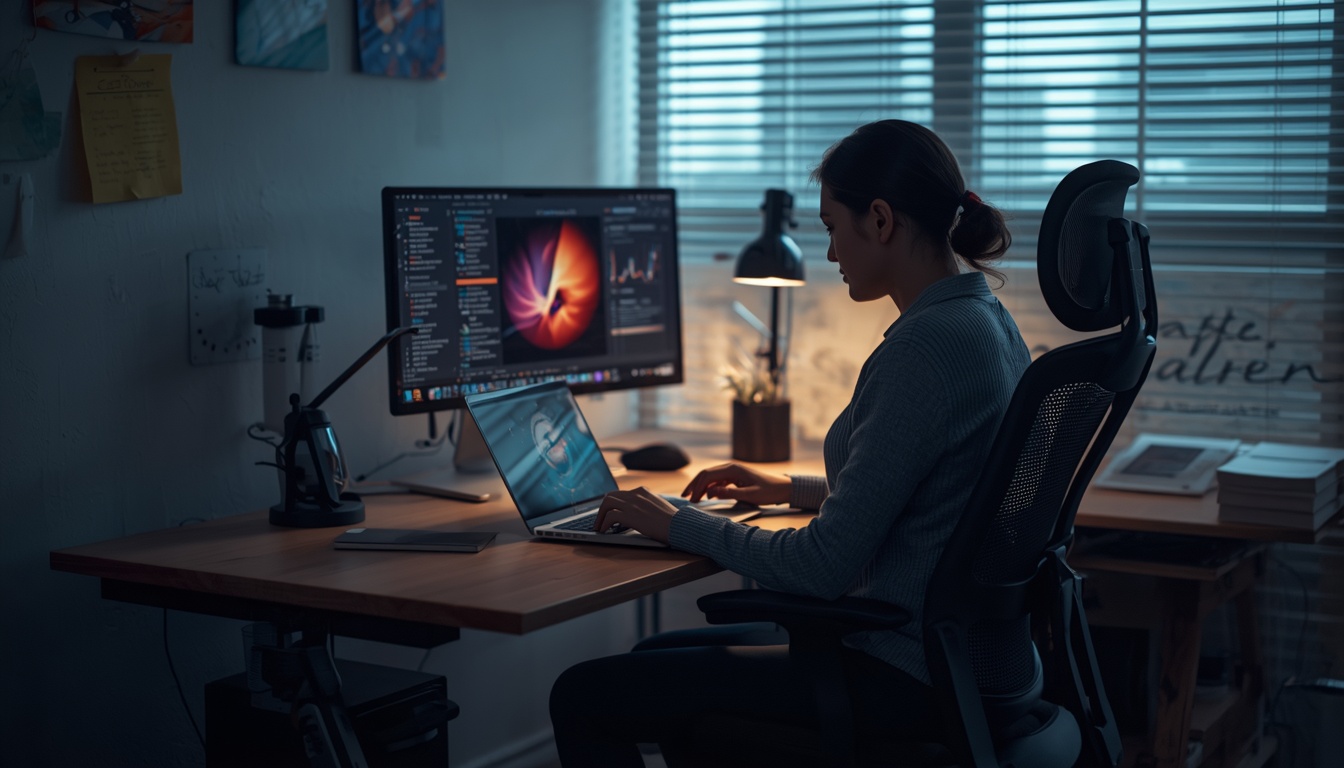
Consistent posture habits compound over weeks. Here is what our readers report after following Bonesflexflex guidance.
Reduced muscle fatigue means you stay alert and productive through afternoon hours without relying on constant position shifts.
When your body is properly supported, cognitive load decreases, freeing mental bandwidth for the tasks that matter most.
Building correct habits early protects your spine and joints over years of screen-based work across any industry.
Professionals across Australia trust bonesflexflex.world for practical posture guidance.
Individual results may vary. Testimonials reflect personal experiences and do not guarantee specific outcomes.
Run through this list at the start of each work session to maintain alignment throughout the day.
Gaze falls naturally at the upper third of your screen without tilting your chin up or down.
Roll shoulders back and down, avoiding hunching toward the keyboard during focused tasks.
Both feet flat on the floor or a footrest, with thighs parallel to the ground.
Stand and stretch every thirty to forty-five minutes to reset muscle tension and circulation.
Browse our detailed guides or reach out to the Bonesflexflex team for personalised workspace advice.
Contact Us Today